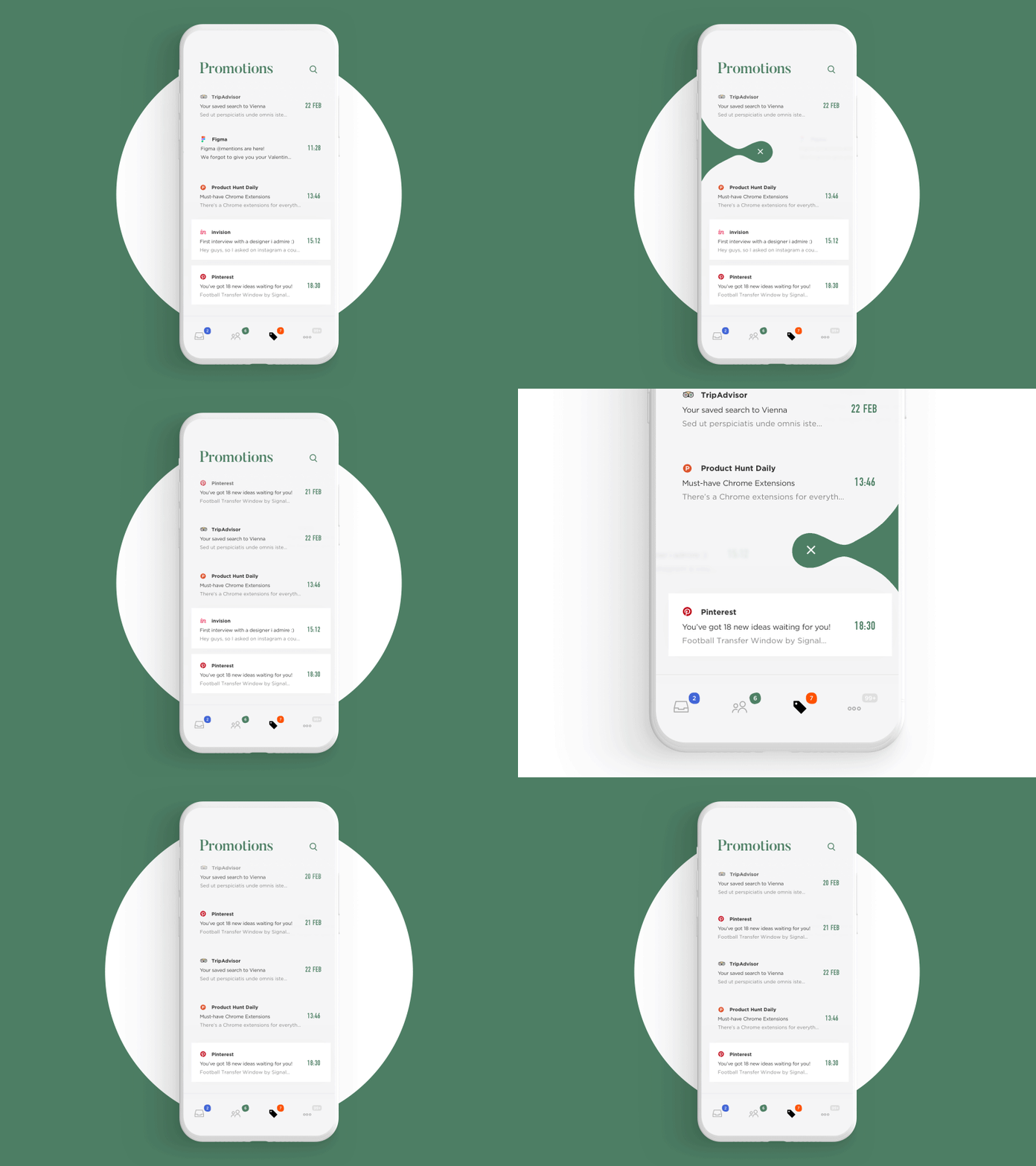
I love this mock up of this app, it is laid out very clean and features a lot of text, which is a good indicator of how well I can create my app too. The colour scheme is simplistic, featuring white, off white and a mid green colour, which is also used in the background of this video, useful in carrying on the theme through the presentation. This mock up features the app in motion, slowing slight animation that appears when the user wants to delete a section. This animation brings to life what would ordinarily be a dull, simple app and also illustrates the navigation within the app.

I was drawn to this app design because of the use of colour within it. By sticking to one colour and using tones of that colour throughout the app, it looks visually appealing and very well designed. The app itself is simple, featuring minimal text, but the sans serif typeface complements the overall design well. The app even features illustrations that accent the theme of the information shown on the app, and that is carried through to the background of the presentation of the app.

This app was interesting to me due to its use of colour. It looks fun and appealing due to it using many colours, but the colours do not clash or contrast. Instead, by using colours within the same tone, they go well together. This is also helped by the gradients of the boxes, as well as the rounded corners and slight blurring of the edges of the box. This makes the app pleasant to look at, and less dull as a leader board normally could be.

This app uses colour in a more muted way. By only combining, a dull blue/grey with white and yellow accents, the seriousness of the app is reflected and the information is the main focus of the user. This is important for informative apps such as this, as you do not use this app for fun, only to learn to drive. It also features a length of text, which is easy to read because of its spacing and placement on the screen.
No comments:
Post a Comment